
Key Takeaways
- Crisis management channels can be created automatically from Salesforce Service Cloud tickets, assembling the right team in seconds
- Case swarming replaces email chains with real-time Slack collaboration tied directly to the CRM record
- The Slack-Salesforce integration preserves full conversation history inside the case record for audit and compliance
- Aether’s approach: start with one painful process, prove it in 60 days, expand from evidence
—
The Email Problem Nobody Admits
Every company has a crisis playbook. Most of them involve email.
A billing outage hits. The Director of Communications finds out during her daughter’s soccer game. She starts a conference call with half the response team. The other half is in a separate thread chasing details from engineering. The CEO is pinging for a customer statement. Legal needs a compliance check. IT is still triaging.
Three hours later, the team has a response. The damage is already done.
Bottom line: The gap between “crisis detected” and “team aligned” is where reputation and revenue leak. For large enterprises, downtime costs up to $23,000 per minute. Ninety percent of IT leaders say outages hurt customer trust.
What Happens When the Response Is Automatic
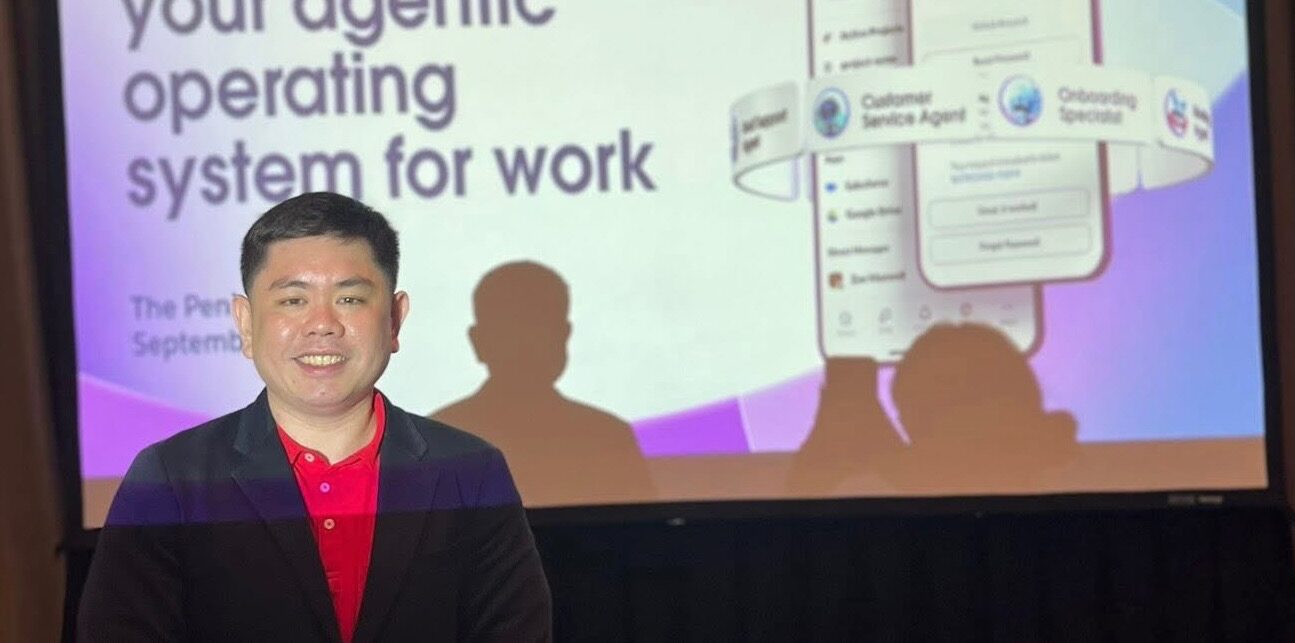
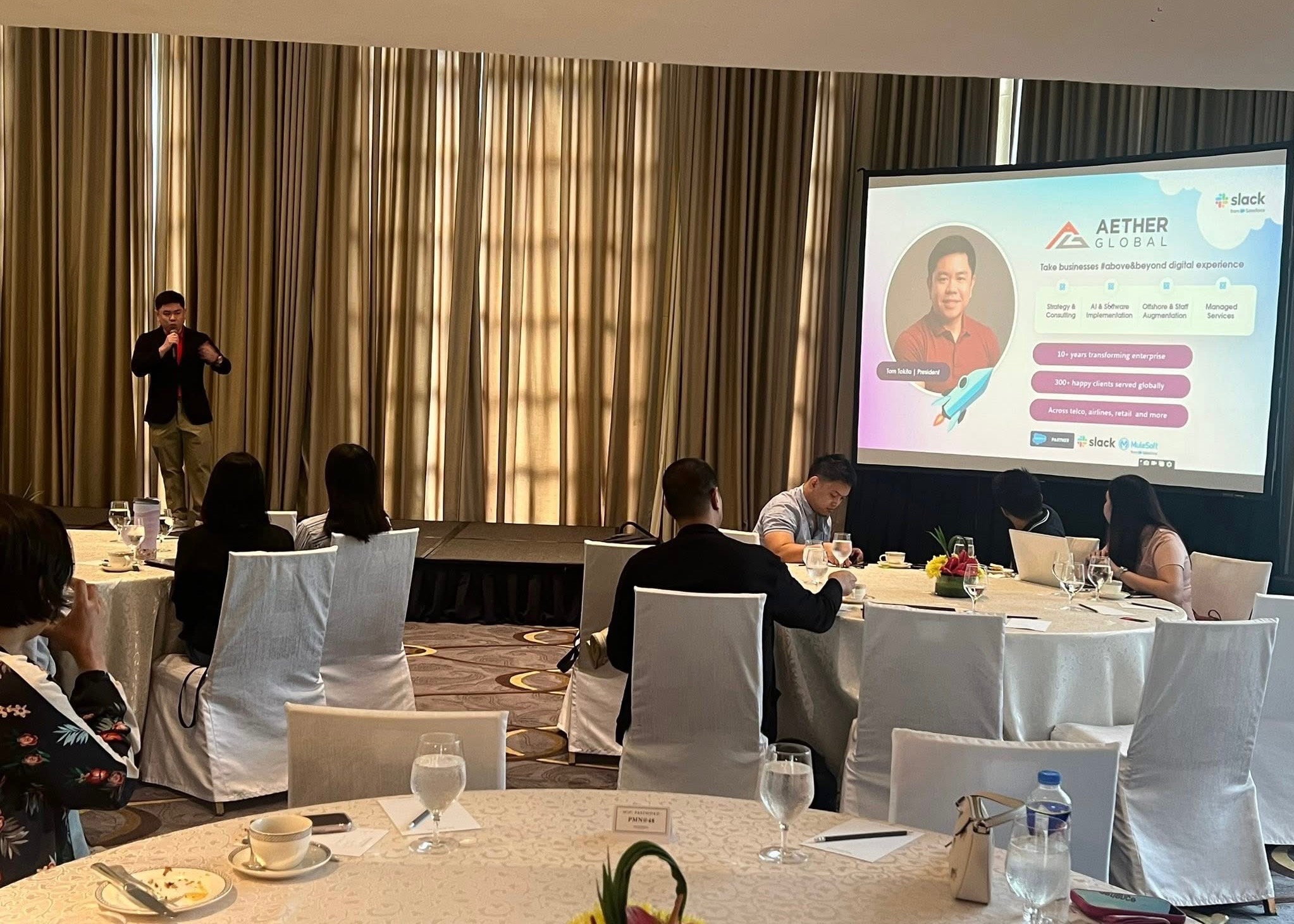
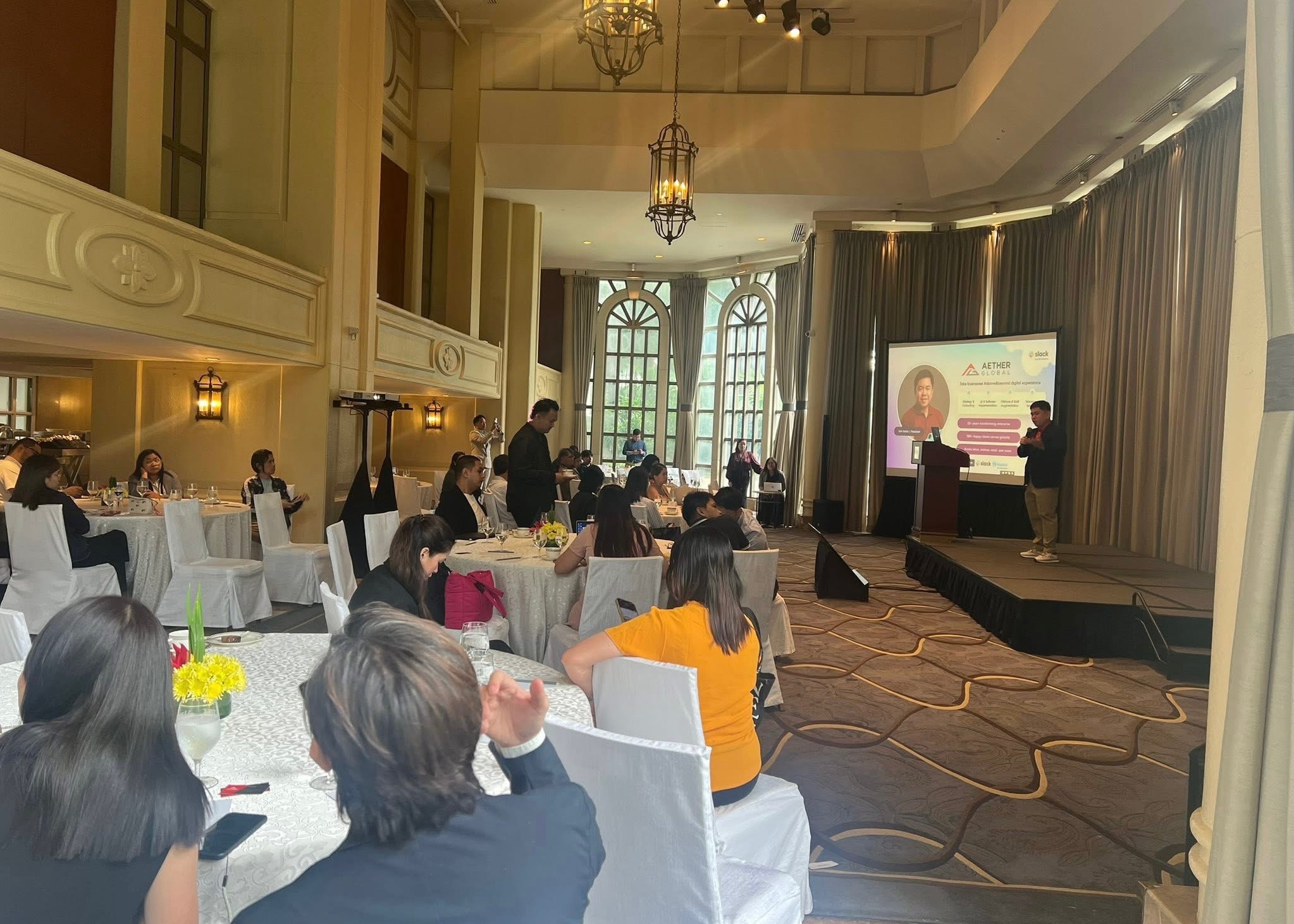
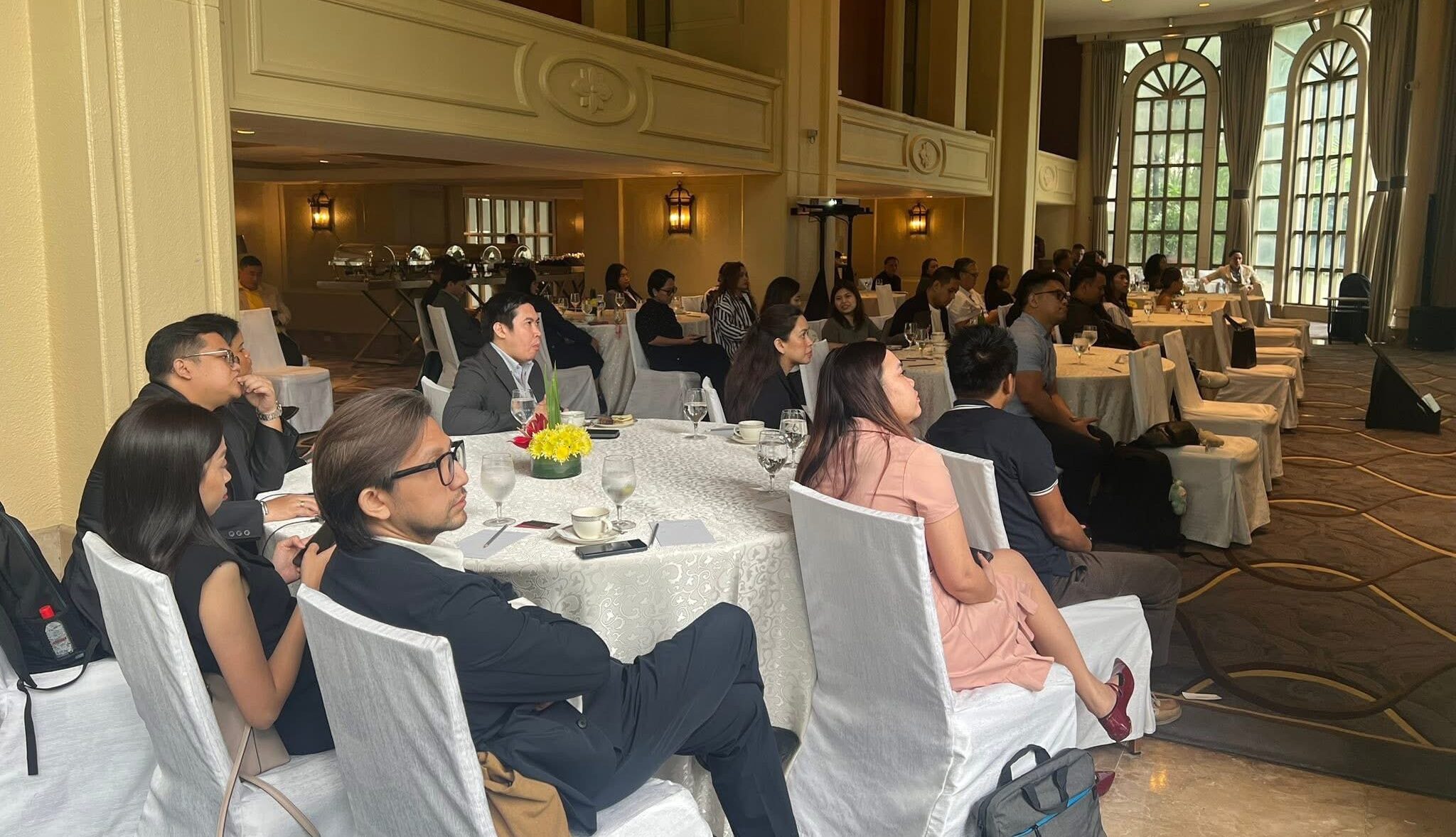
Tom Tokita, President of Aether Global Technology Inc., opened the session at The Peninsula with a scenario most of the room recognized. The difference: what if the response was automatic instead of manual?
The architecture is straightforward. A critical event gets logged in Salesforce Service Cloud. An API trigger fires. Slack creates a dedicated channel (named, standardized, searchable). The system adds the right people based on the incident type: CIO, legal, public relations, lead engineers. All relevant case data posts into the channel automatically. Severity, summary, lead coordinator. No swivel-chairing between systems.
The crisis team collaborates in real time. Updates, questions, expert escalations with a single @mention. The channel becomes the single source of truth.
Bottom line: The old way dies the moment you stop depending on someone to manually send the first email.
Live Demo: From Ticket to War Room in Seconds
Pat Pantoja, Aether’s Capability Director, walked the room through a live demonstration. A billing outage affecting dozens of customers triggers a parent case in Service Cloud, tagged as Critical.
The system spins up a Slack channel. Sarah from Communications, the heads of Customer Service, Billing, and IT are added automatically. Case details are already posted: customer segment, severity, accounts impacted, SLA deadlines. All configurable.
The room’s reaction was immediate. Several attendees noted that the “digital war room” concept, set up before anyone asks for it, was the most compelling part.
Case Swarming: The Refund That Should Have Taken Days
The second use case hit closer to daily operations. A customer service representative gets a complex ticket: a customer double-charged for their subscription. Resolving it requires finance, network operations, and a team lead.
Normally, that means emails. Forwarding. Waiting. More forwarding. The customer waits longer than the problem actually requires.
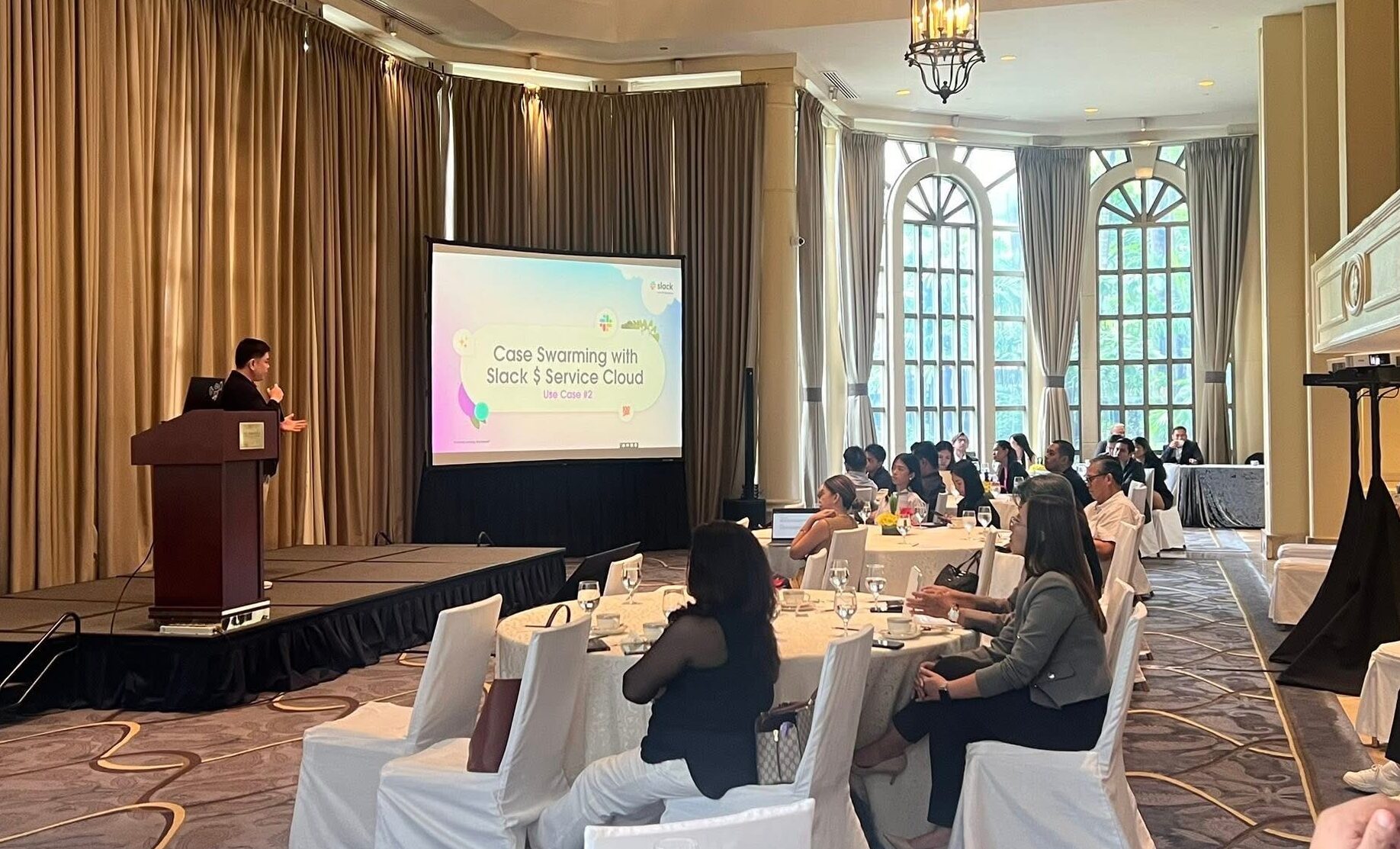
With case swarming, the agent clicks one button on the Service Cloud record. Slack creates a case-specific channel, automatically named with the case number and subject. Billing history, subscription details, and customer notes post into the channel. Finance, network ops, and the team lead are added based on the ticket type.
The team verifies the duplicate charge, confirms refund eligibility, and processes the credit. Minutes, not days. Everything captured in the conversation for audit.
Bottom line: The refund itself is simple. The coordination is what slows it down. Case swarming removes the coordination tax.
The 360-Degree View
One detail that landed well: when you go back to the Salesforce record after the swarming session, the full Slack conversation history is embedded right there. Every message, every file shared, every decision made. The case record tells the complete story from first alert to final resolution.
No separate notes. No “let me check my email for what we decided.” The CRM and the collaboration layer are the same system.
Start Small, Prove Fast
Tokita closed with a framework that fits on a napkin:
- Start with one process. Not a moonshot. One painful, repetitive, data-rich workflow.
- Prove it in 60 days. Measurable outcome. Not a demo. A deployment with real users, real data, real feedback.
- Expand from evidence. Let the results fund the next deployment. Board approval follows production metrics, not slide decks.
The tool is 30% of the cost. Operations (integration, change management, guardrails, measurement) is the other 70%. Organizations that budget only for the tool end up back in the pilot graveyard.
Beyond the Two Use Cases
The same collaboration pattern applies across industries. In telco, network outage war rooms that swarm technicians and customer service teams in real time. In retail, store operations and incident response connecting managers with loss prevention or facilities. Supply chain coordination. Field service escalation.
The principle stays the same: bring the right people and the right information together instantly, and let the platform handle the assembly.
—
FAQ
Yes. The trigger fires from Service Cloud cases, but the same API pattern works with any Salesforce object that supports automation (Flows, Platform Events, or Apex triggers). The channel creation, naming convention, and team assembly rules are all configurable.
Case swarming is a model where complex support tickets get resolved by bringing all required experts into one Slack channel tied to the Salesforce case record. It replaces the traditional tiered escalation (Level 1 to Level 2 to Level 3) with real-time collaboration. The full conversation history syncs back to the CRM.
Yes. When using Salesforce channels (not standard Slack channels), the conversation history embeds directly in the case record. This gives agents, managers, and auditors a full 360-degree view of how the case was resolved.
A basic implementation (channel creation, team assembly, case data posting) can be deployed in a few weeks. Aether recommends starting with one high-impact process and proving results within 60 days before expanding.